
Isolated profiles
Independent cookies, cache, and sessions stored locally on each machine.
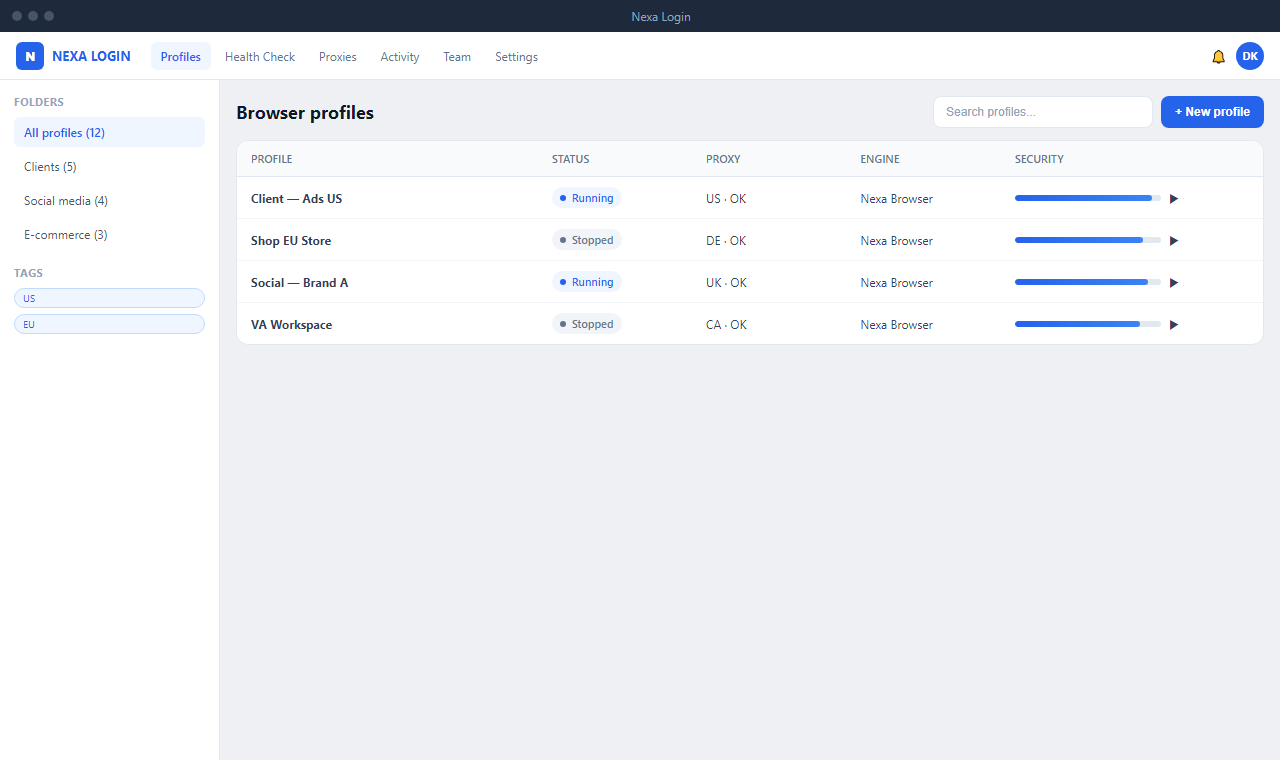
Create, organize, and launch isolated browser profiles with proxies, team permissions, folders, tags, and security checks — all from one Windows desktop app.
 Facebook
 Amazon
 eBay
eBay
 LinkedIn
 Reddit
 Instagram
 TikTok
 Discord
 Gmail
Gmail
 Google Ads
 Etsy
Etsy
 Pinterest
A clean workspace for profiles, proxies, security scores, and team assignments.

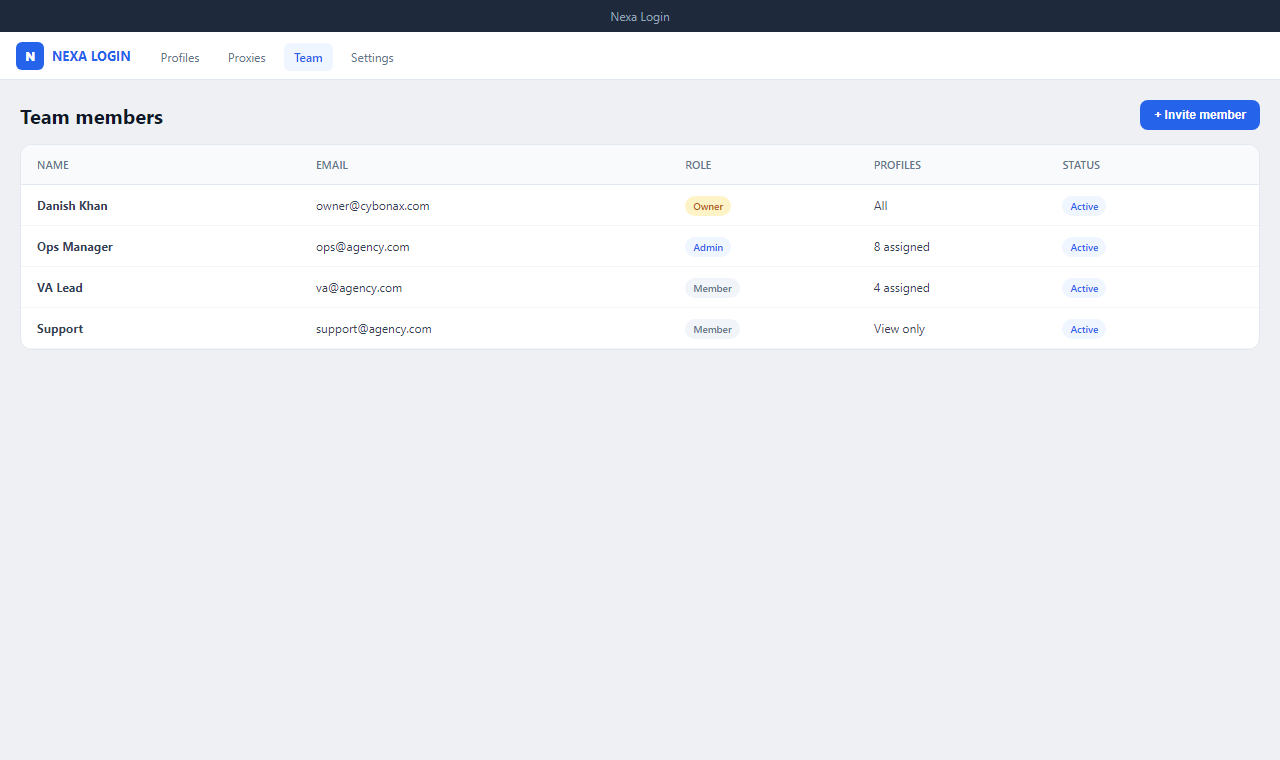
Built for agencies, growth teams, and operators who need clean separation between accounts.
Independent cookies, cache, and sessions stored locally on each machine.
HTTP, HTTPS, and SOCKS proxies per profile with encrypted credentials.
Pre-launch checks for WebRTC, DNS, canvas, WebGL, and proxy routing.
Reusable fingerprint presets applied consistently across profiles.
Organize by client, campaign, or region with fast filtering.
Invite members with launch, edit, or view permissions.
Track launches and workspace events for accountability.
Bundled Chromium engine — no separate browser install required.
Install the desktop app and start managing profiles in minutes.
Native macOS build is in development.
AppImage and .deb packages are planned.
Questions about deployment, licensing, or enterprise use? Send a message.